

Screenshots
About WinRAR
WinRAR is the leading file compression and decompression software that transforms how you manage, store, and share files on your computer. Whether you're optimizing storage space, speeding up file transfers, or organizing your digital life, this powerful tool delivers unmatched compression efficiency with just a few clicks.
Reduce file sizes dramatically without sacrificing quality. WinRAR's advanced compression technology shrinks even large files to a fraction of their original size, freeing up valuable hard drive space and accelerating data transfers across networks. The lightning-fast compression and decompression speeds mean you spend less time waiting and more time working. Simply double-click any compressed file to extract it instantly, regardless of format—no complex steps required.
Work seamlessly with virtually any archive format. WinRAR handles RAR, ZIP, and 7Z files natively, while also supporting CAB, ARJ, LZH, TAR, GZ, ACE, UUE, BZ2, JAR, ISO, and many others. This comprehensive format compatibility makes it an indispensable tool for everyday use, whether you're receiving files from colleagues, downloading archives from the web, or managing your own compressed collections. You'll never be blocked by an unsupported file type.
Integrate seamlessly into your Windows workflow. Access WinRAR directly from your context menu—right-click any file or folder and create a RAR or ZIP archive in seconds. No need to open separate windows or navigate through menus. This tight Windows integration means compression becomes a natural part of your file management routine, not an extra step.
Protect your sensitive data with enterprise-grade security. Encrypt your compressed files using Rijndael (AES-128) encryption, apply digital signatures, or block modifications to prevent unauthorized changes. When you're transferring personal documents, financial records, or confidential information, WinRAR keeps your files secure every step of the way.
Optimize your file management system and reclaim control of your storage. Download WinRAR today and experience the efficiency, speed, and security that makes it the trusted choice for millions of users worldwide. Simplify compression, organize better, and transfer faster with WinRAR.
Pros & Cons
Pros
- Supports 20+ archive formats including RAR, ZIP, 7Z, and uncommon types
- Fast compression and decompression speeds minimize wait times
- Right-click context menu integration streamlines compression workflows
- AES-128 encryption and digital signatures protect sensitive files
Cons
- Not free—requires a paid license after trial period expires
- Windows-only application with no macOS or Linux versions
- User interface design appears dated compared to modern alternatives
- Steep learning curve for advanced features like multi-volume archives and recovery
Frequently asked questions about WinRAR
Is WinRAR safe to download?
A malware scan report for this version of WinRAR is not available on Unstore yet. Only install files from sources you trust and keep your device's security protection turned on.
What are the system requirements for WinRAR?
WinRAR runs on Windows. The download size is 3.6 MB.
What is the latest version of WinRAR?
The latest version of WinRAR on Unstore is 7.20.0. It was last updated on May 22, 2026.
Is WinRAR free?
WinRAR is available as a free trial. Continued use requires buying a license.
Who develops WinRAR?
WinRAR is developed by RARLAB.
Related Apps

HWiNFO
Hardware monitoring for Windows—track CPU temp, GPU load, fan speed, voltage in real time.

TransMac
Read Mac drives and DMG files on Windows. Access APFS/HFS+ storage and create disk images.

Advanced SystemCare Free
System optimization tool: clean, repair, and secure your PC. Remove malware, fix errors, and boost performance.

Display Driver Uninstaller (DDU)
Driver uninstaller for GPU and audio — removes residual files for clean Windows updates

Glary Utilities
PC maintenance and optimization suite — clean, repair, and speed up your Windows computer in one action.

Universal ADB Drivers
ADB drivers for Android: Connect any smartphone to Windows PC without manufacturer software.
Latest Articles

Play a free Poly Bridge-style bridge builder in your browser (no download)
Nov 14, 2026

Play a free Balatro-style poker roguelike in your browser (no download)
Nov 14, 2026
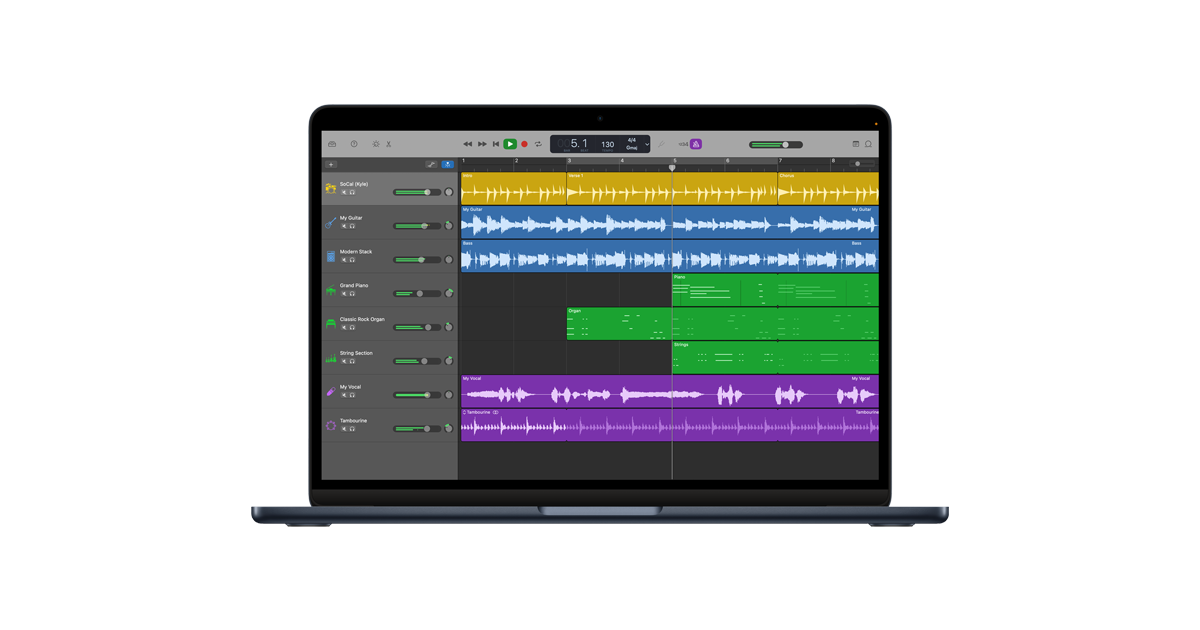
GarageBand for Android or Chromebook? A free music studio in your browser
Nov 14, 2026

FlipaClip for PC or Chromebook? We built a free animation maker that runs in your browser
Nov 14, 2026

Play a free Color Ball Sort Puzzle-style game in your browser (no download)
Oct 6, 2026